
Compare certified and experimental AXIS components, follow Garmin's system-building sequence, and send your preliminary panel plan to RWAS for a compatibility review and an aircraft-specific equipment and installation quote.
A modern glass panel is a system, not a shopping list. Roger Wilco Aviation Services has introduced an online AXIS Build-A-System Planner that helps aircraft owners and builders work through Garmin's certified or experimental AXIS architecture in the same logical order used by the official Garmin guides.
Start with the Aircraft, Not the Boxes
Every successful avionics project begins with the aircraft, the mission, and the approval path. The RWAS planner separates certified aircraft from experimental aircraft at the start because the available displays, sensors, installation kits, interfaces, pricing, and regulatory requirements are not interchangeable.
Choose the path that matches the aircraft:
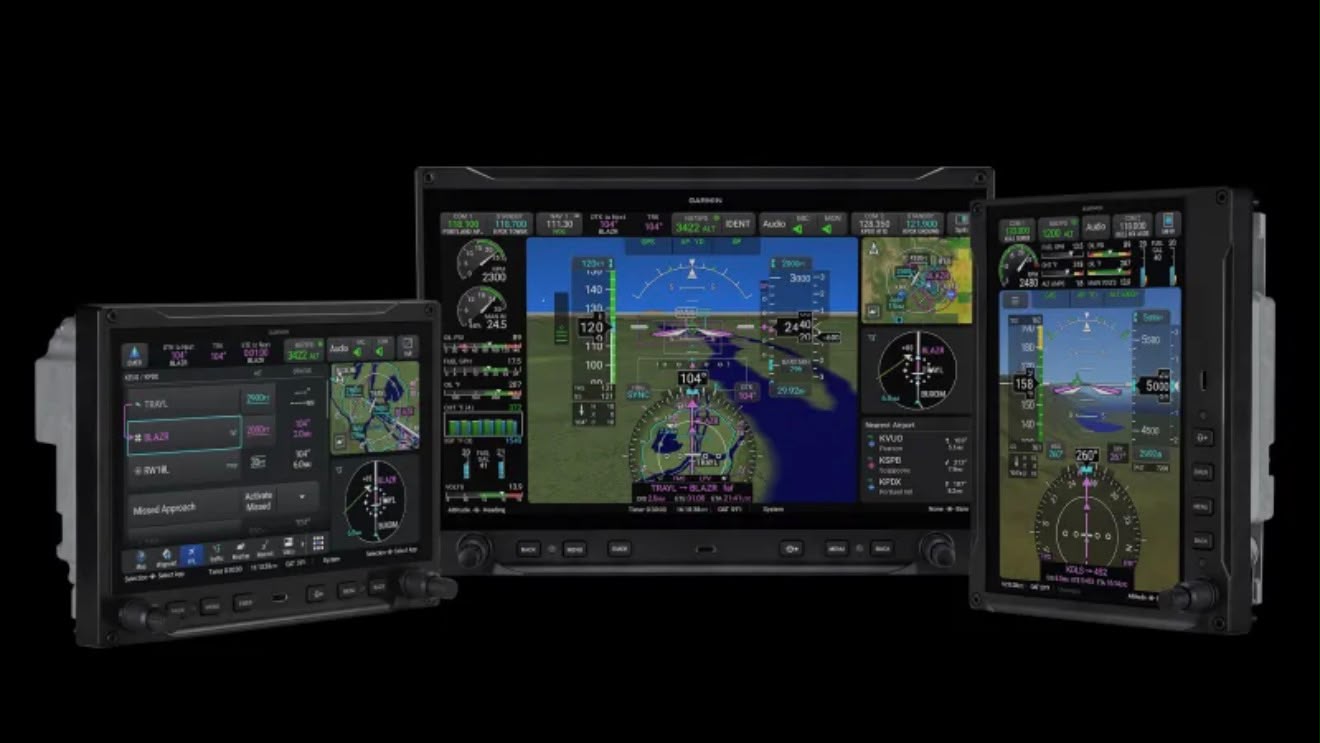
Follow the AXIS Build Flow
The planner follows the sequence in Garmin's July 2026 Build-A-System guides. Customers can work through each stage, select quantities where appropriate, and watch the manufacturer list-price hardware total update as the system takes shape.
The flow covers:
- Flight displays and the correct display installation kits
- ADAHRS, magnetometers, temperature probes, and sensor installation hardware
- Standby flight instruments and redundancy
- Engine and airframe interfaces plus applicable engine sensors
- Autopilot components for the selected aircraft category
- IFR GPS navigators, COMM and NAV/COMM radios, and audio panels
- Transponders, ADS-B and SiriusXM datalinks, antennas, and connector kits
- AXIS feature enablements and additional system accessories
This order matters. A display choice can determine the required installation kit. The aircraft's certification category can change the approved sensor package. An integrated AXIS COMM or NAV/COMM display can affect other equipment decisions. Building the system in sequence makes those relationships easier to see before an installation proposal is prepared.
Certified AXIS Systems
The certified planner uses the equipment and MSRP guidance in Garmin's AXIS Build-A-System Guide for Certified Aircraft. It is intended to organize the customer's goals before RWAS confirms aircraft eligibility, the applicable STC and approved configuration, required installation hardware, labor, and documentation.
Certified installations require an authorized-dealer review. A total shown by the planner is a manufacturer list-price hardware planning figure, not an installed quote or approval determination. Aircraft model, year, serial number, current panel configuration, interfaces, wiring condition, antenna work, fabrication, and labor all affect the final project.
Experimental AXIS Systems
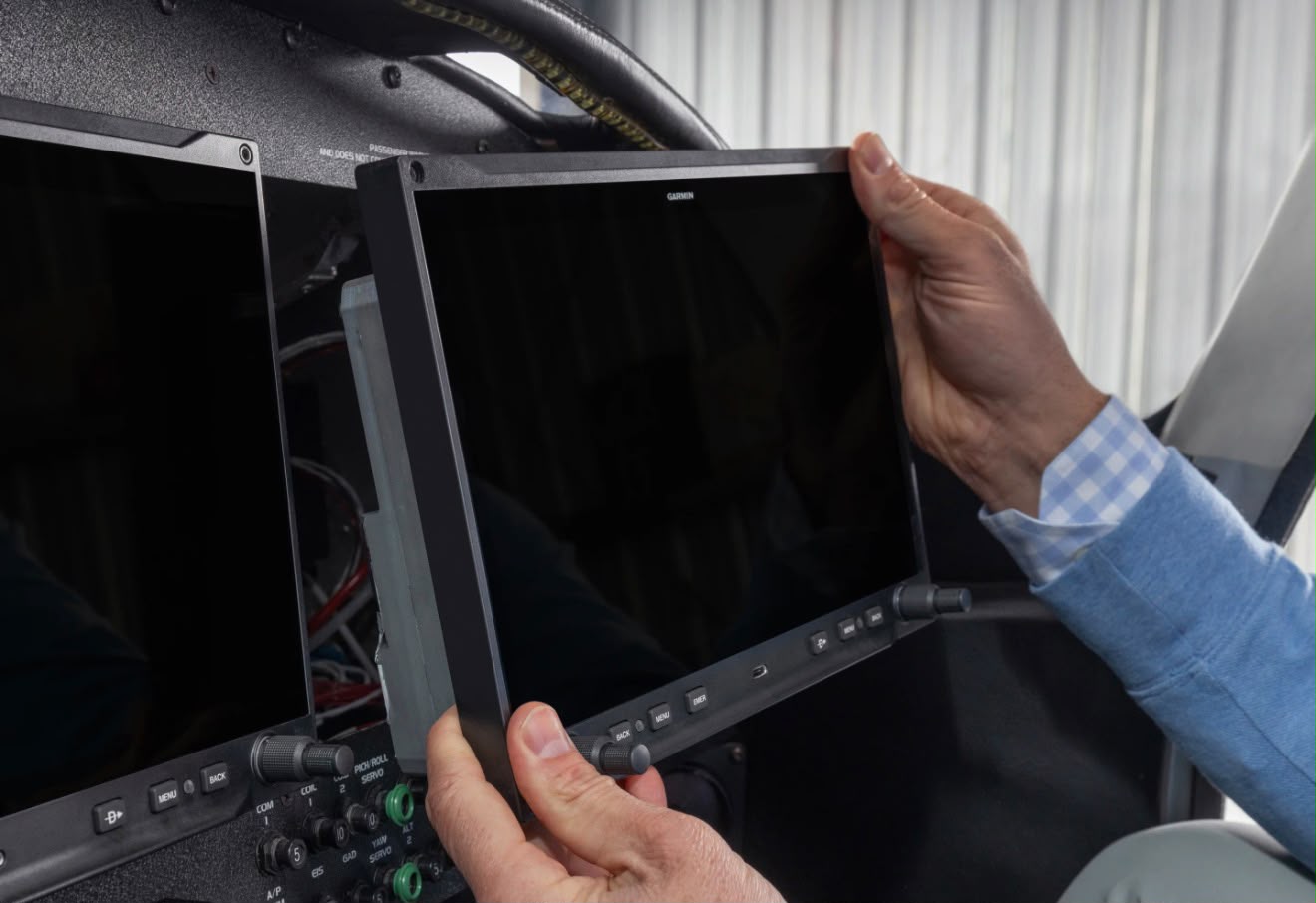
The experimental planner follows Garmin's separate Build-A-System Guide for Experimental Aircraft. It includes the non-TSO AXIS X display choices, experimental sensor packages, engine-monitoring options, GFC 500X components, radios, datalinks, accessories, and the certified AXIS display variants that Garmin permits builders to consider when an integrated IFR GPS or radio is desired.
Experimental aircraft offer more configuration freedom, but compatibility still deserves disciplined review. The planner helps organize that freedom into a coherent system instead of a pile of attractive components that may not support the intended mission together.
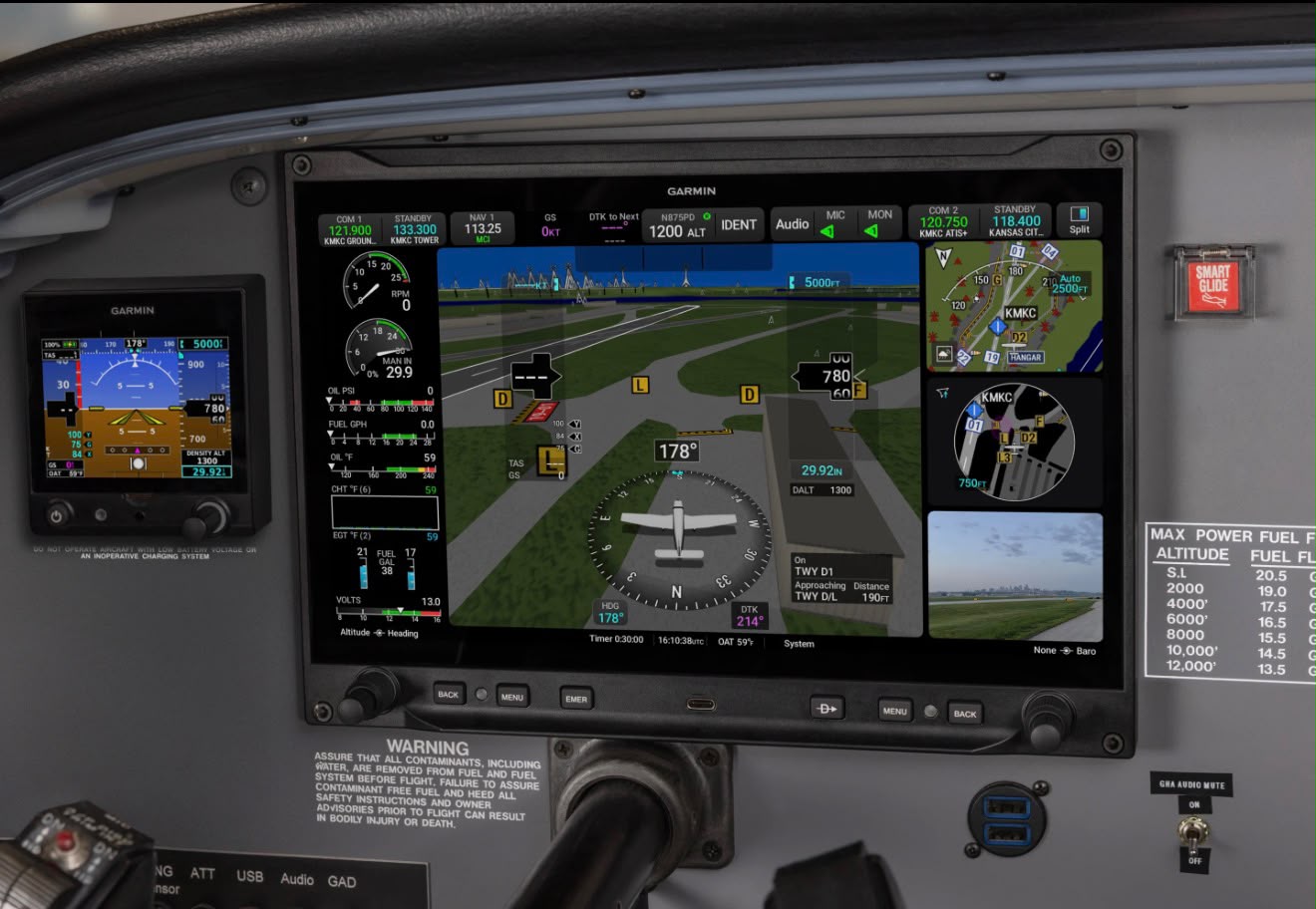
See the Manufacturer List-Price Total as You Build
Each selection contributes to a manufacturer list-price total at the bottom of the planner. That gives owners a useful hardware baseline while comparing display layouts, redundancy, engine monitoring, autopilot scope, radios, datalinks, and optional capabilities.
The total is intentionally transparent, but it is not the final installed price. It does not replace an aircraft-specific review, and it does not automatically include labor, custom harnesses, panel fabrication, structural work, antennas, freight, taxes, certification work, or equipment outside the selected build.
Submit the Preliminary Build to RWAS
When the selections are ready, choose Submit Preliminary Build to RWAS. The planner transfers the selected equipment list into the RWAS quote form. Aircraft make and model are required. Registered-aircraft submissions also need the year, serial number, and N-number; aircraft under construction can be submitted before those identifiers are assigned.
The submitted build is delivered to RWAS and our Shop Talk channel for review. We can then check compatibility, identify missing or conflicting choices, discuss installation scope, and prepare aircraft-specific pricing. RWAS does not sell private customer information, including email addresses or phone numbers.
Build the Panel, Then Let the Shop Check the System
The AXIS Build-A-System Planner gives owners a better way to begin the conversation. It turns Garmin's component guides into an interactive planning tool, makes the cost of each choice visible, and gives the RWAS team a structured starting point for a serious panel proposal.
Choose the planner that matches your aircraft: